Simple resume and CV templates
A simple resume template reads from top to bottom, with light decoration and two accent colours at most. Pick one of the templates on this page, fill it in online and download it as a PDF.
The templates in this style
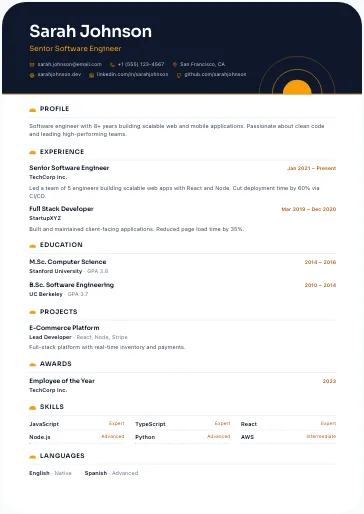
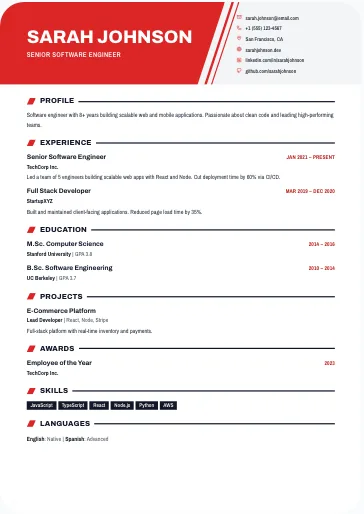
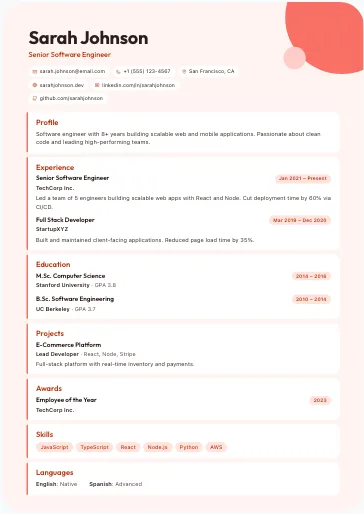
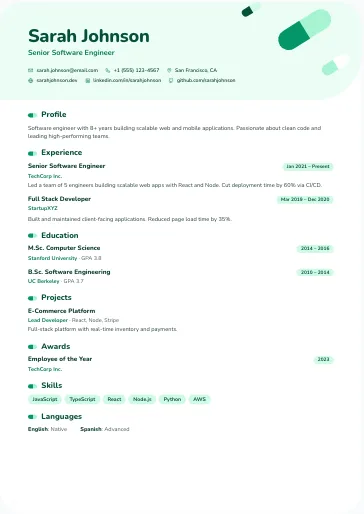
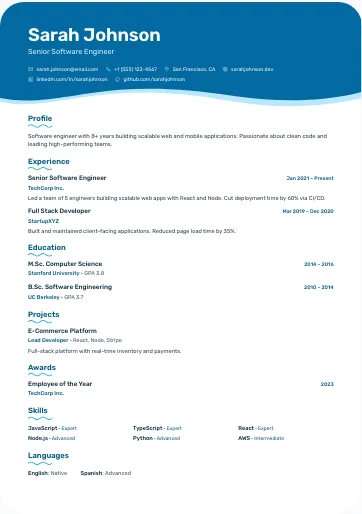
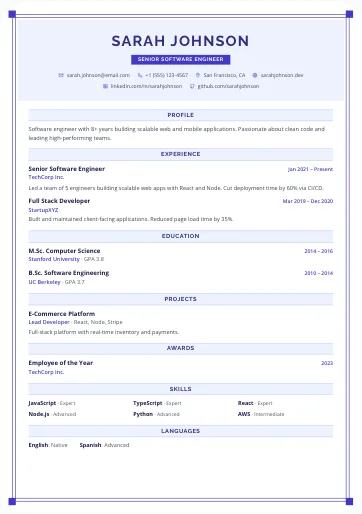
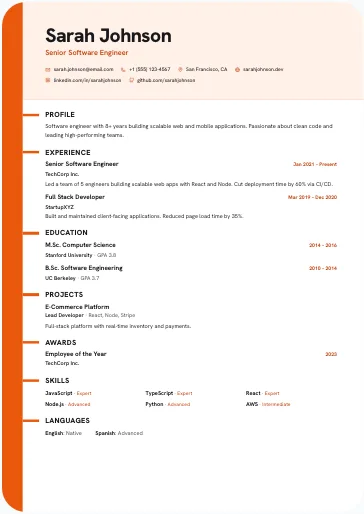
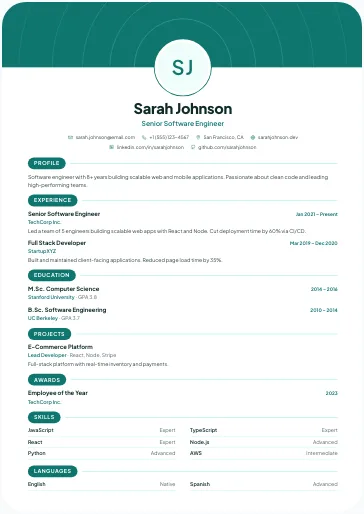
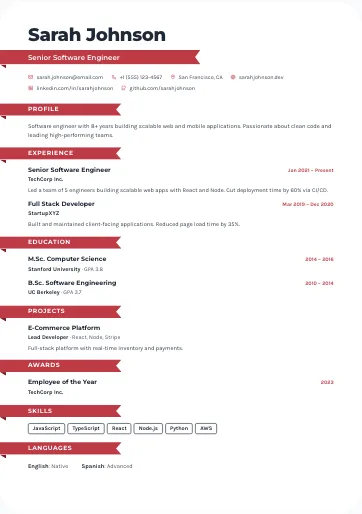
What is a simple resume template?
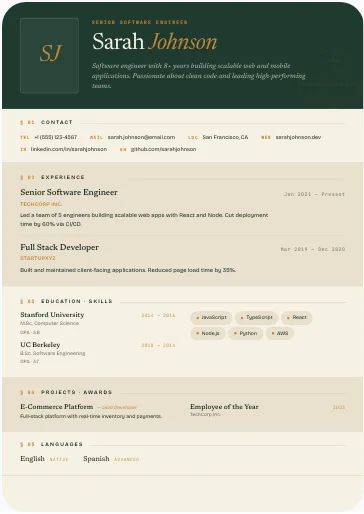
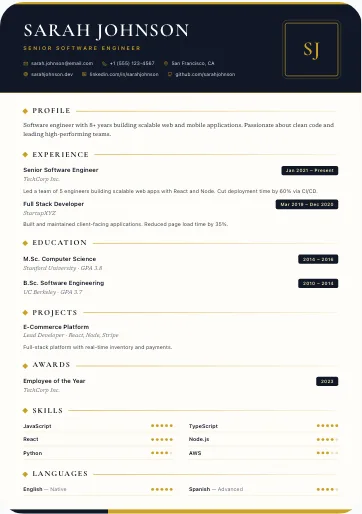
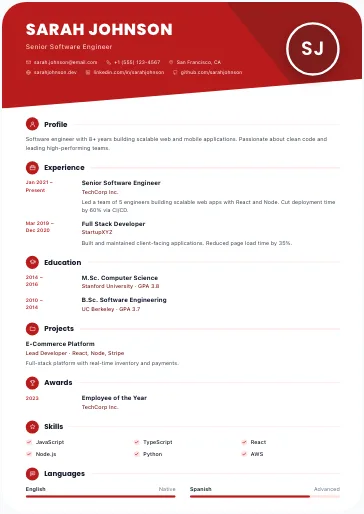
It is a basic resume template that the eye follows from top to bottom: a header with your name, target job and contact details, then your profile, experience, education, skills and languages. That simple CV format works for almost every job. The templates on this page all share three points: a top-to-bottom read (one column or full-width bands), light decoration (a gold rule, ribbon-shaped titles, a header cut on a diagonal) and one or two accent colours, sometimes in several shades. Nothing pulls attention away from your career.
Who should choose a simple CV template?
A simple CV (résumé) suits almost everyone, and especially:
- applications in traditional sectors: public service, banking, accounting, sales, industry, healthcare;
- a first job or an internship, when your career is still short: see also the fresher and student CV templates;
- a printed CV handed over in person, which should make sense at a glance;
- online applications, as long as you pick a template with the ATS badge.
Is a simple resume ATS-friendly?
Most are: look for the ATS badge on the template's card. Templates with the badge produce a PDF with real text in reading order, standard section titles and content scaled down to about 70% of its size to fit one A4 page; past that, the end is cut off and the ATS no longer reads it. A template without the badge is not built for screening software, and its page is fixed: text that runs past the page is cut off. For an online job portal, start from the ATS-friendly resume templates.
How to make a simple resume
- Pick a template from the list above and create an account.
- Fill it in online: a two- or three-line profile, your experience with concrete results, your education, skills and languages. Empty sections are left out.
- Proofread: on a sober CV, every mistake shows. Our guide to writing a CV covers each section.
- Download your simple resume as an A4 PDF, or as a PNG image to send in a message.
The free CV maker page walks you through the whole process. Want your skills in a column of their own? See the modern two-column resume templates.
Frequently asked questions
What is the best simple CV format?
One that reads from top to bottom without effort: one column, clear section titles, one discreet colour. If you apply online, take a template with the ATS badge; if a photo is expected in your country, choose a template with a photo slot.
Is a simple CV template the same as a simple resume template?
Yes, they are the same layouts under two names. "Resume" is the usual word in the US, Canada, Australia and India, and "CV" in the UK, much of Africa and the Gulf.
Does a simple resume look less professional?
No. A sober layout helps the recruiter find your job title, experience and skills quickly. What makes the difference is the content: concrete results and the keywords of the job offer.
Can I add a photo to a simple resume?
Yes, if the template has a photo slot: some templates on this page have one and show your initials until you add a photo, others have none. In the US, the UK and Canada the custom is to leave the photo out.
Can I download a simple resume template as a PDF?
Yes, once it is filled in: you complete the template online with an account, then download your resume as an A4 PDF or a PNG image. The site does not offer blank templates to print and fill in by hand.
Are the simple resume templates free?
The site offers free templates, and each template's card says whether it is one. You fill it in with a free account and download your resume as a PDF, with no watermark.