Resume and CV templates with photo
The CV and resume templates on this page have a space for your photo: add your picture, fill in your resume online and download it as an A4 PDF. The photo is optional.
The templates in this style
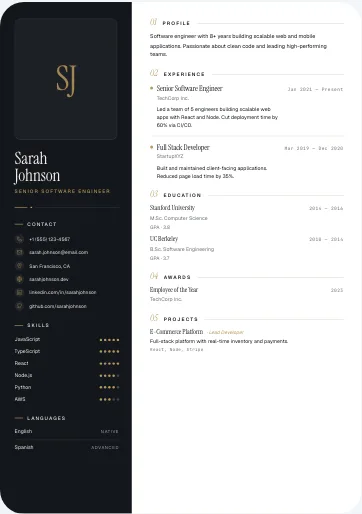
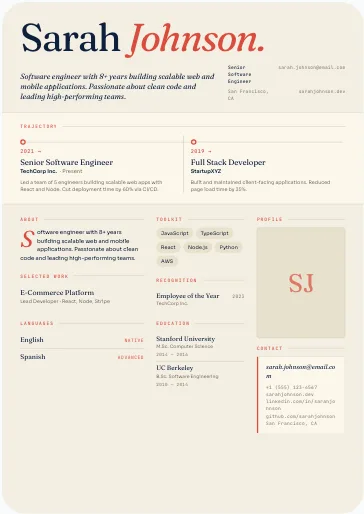
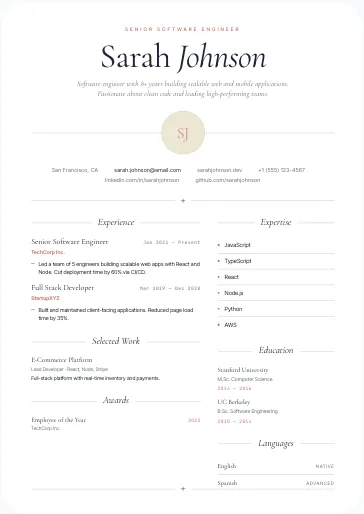
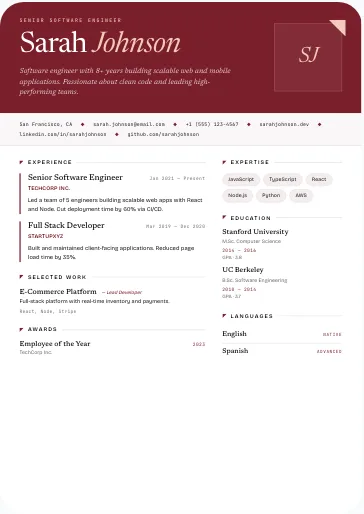
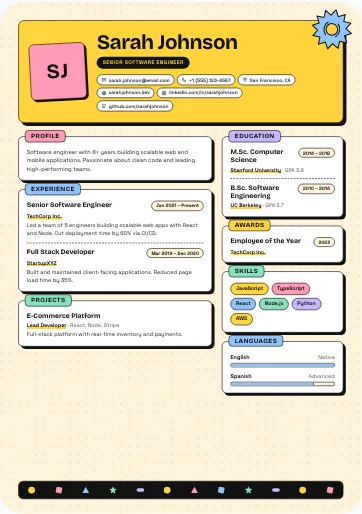
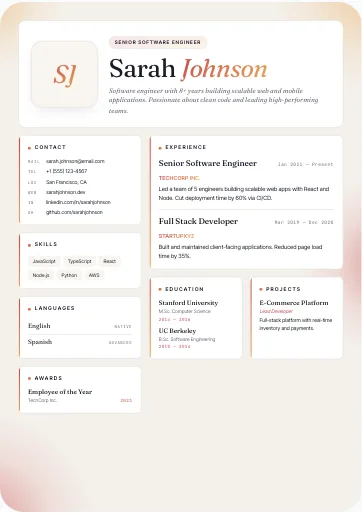
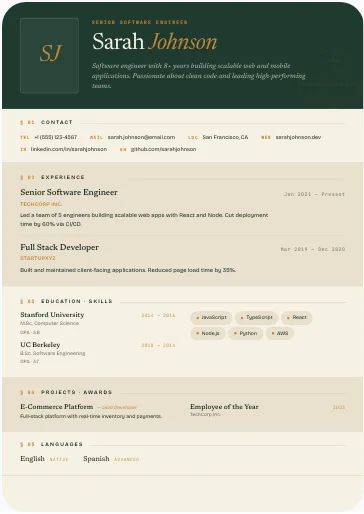
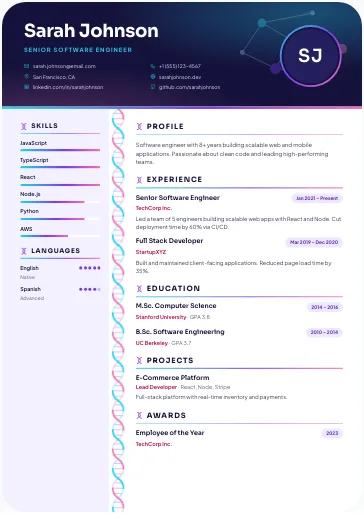
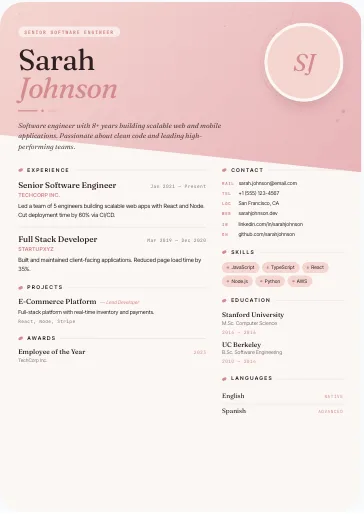
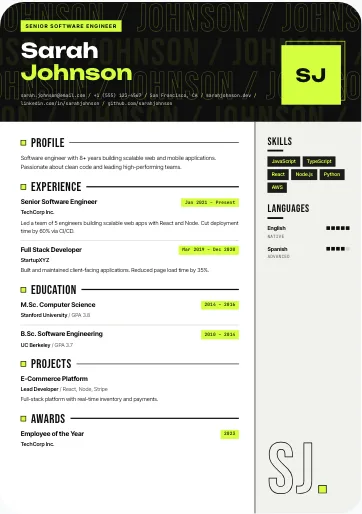
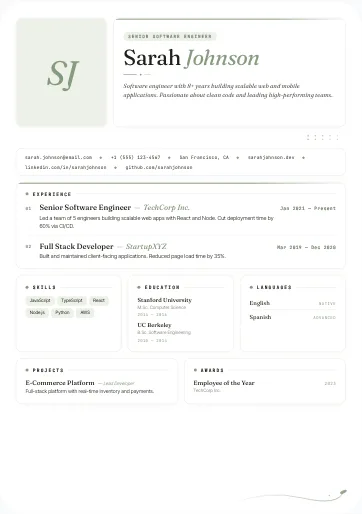
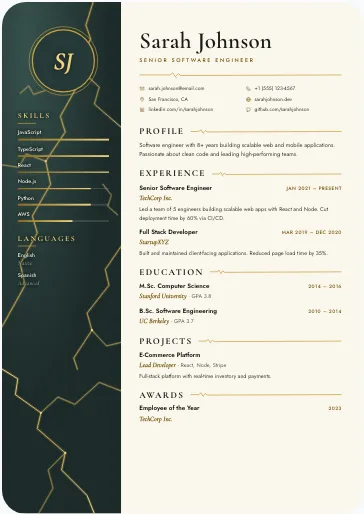
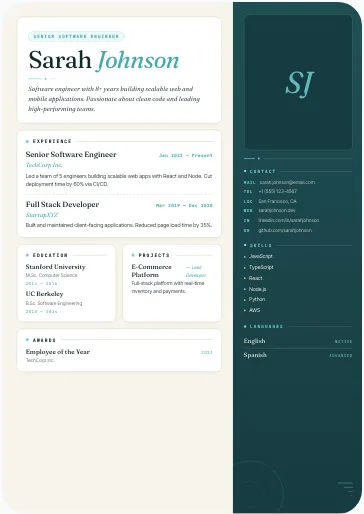
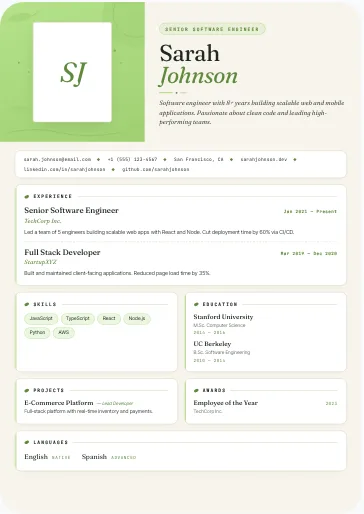
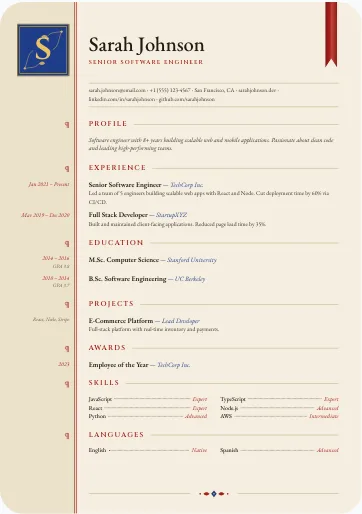
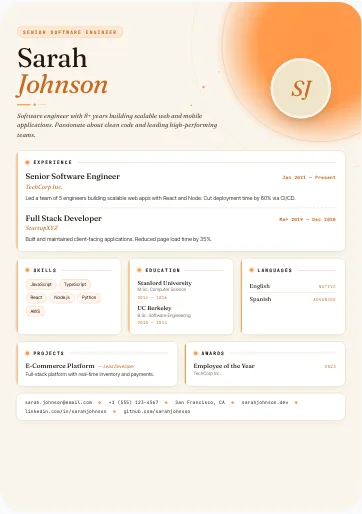
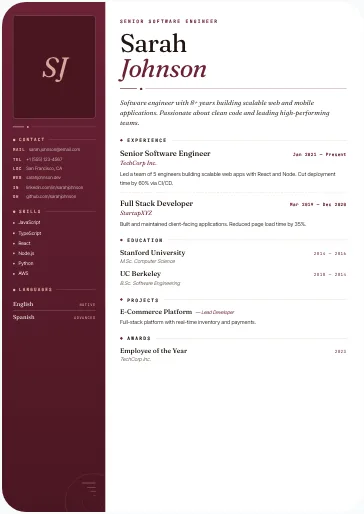
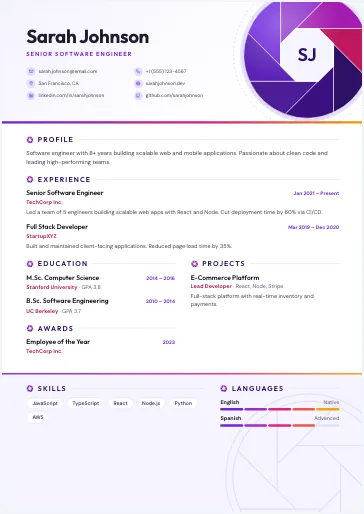
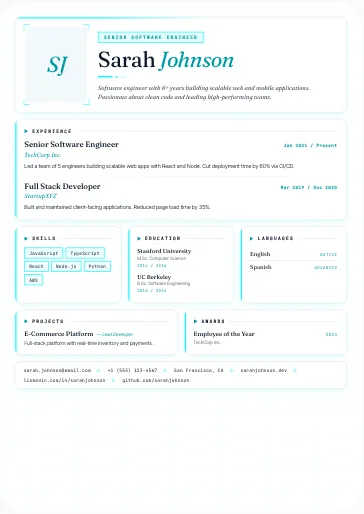
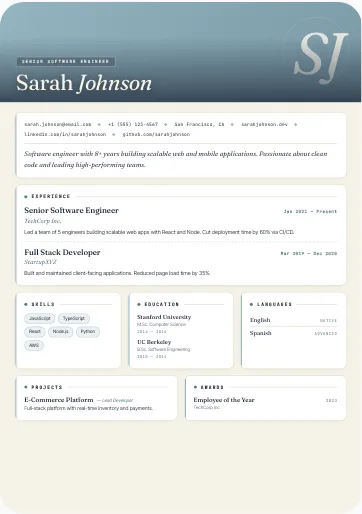
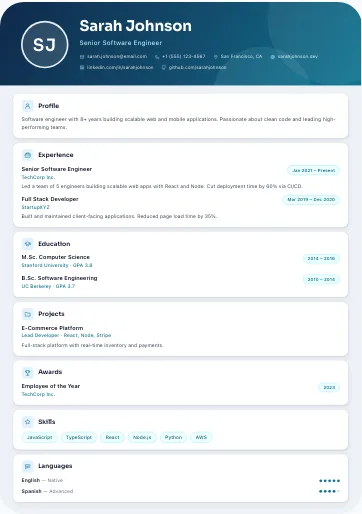
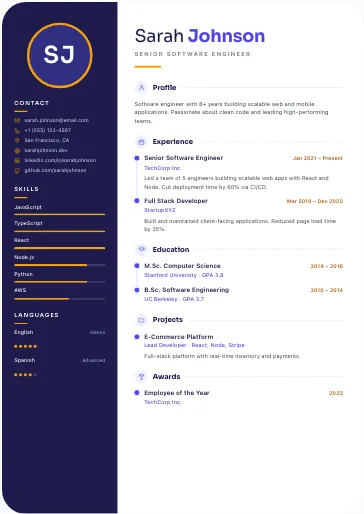
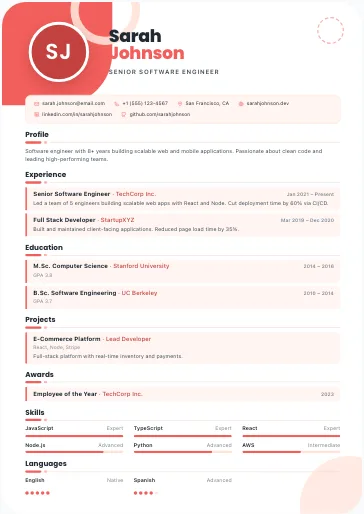
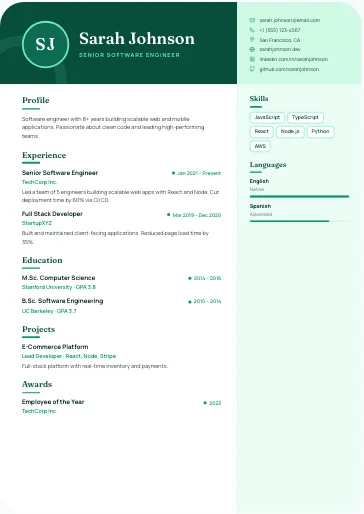
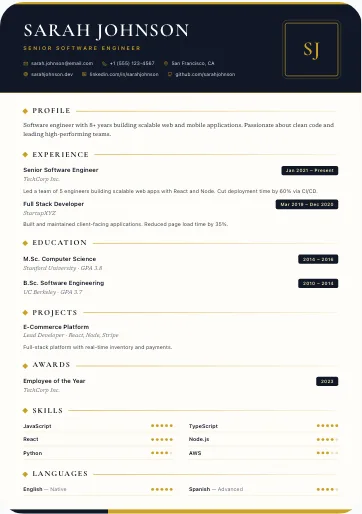
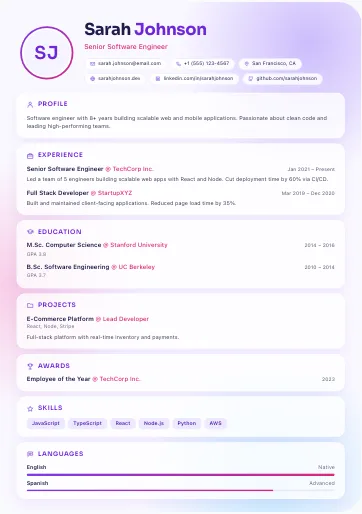
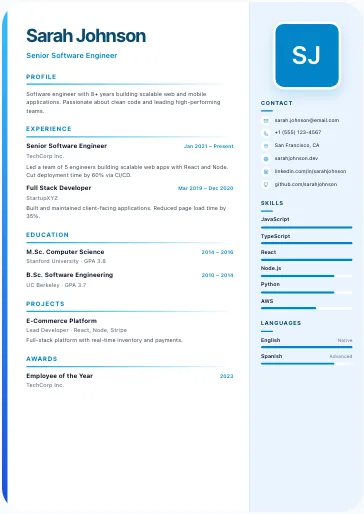
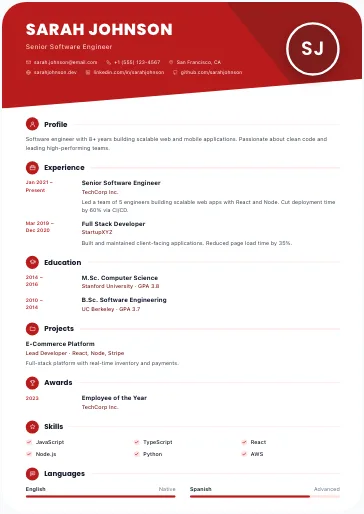
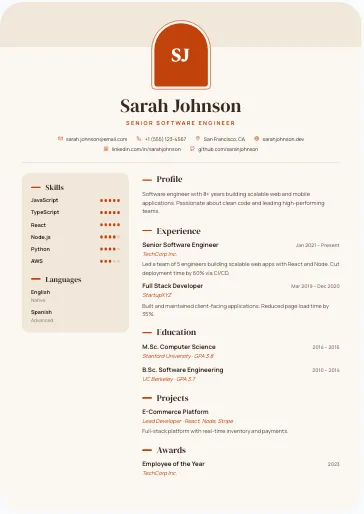
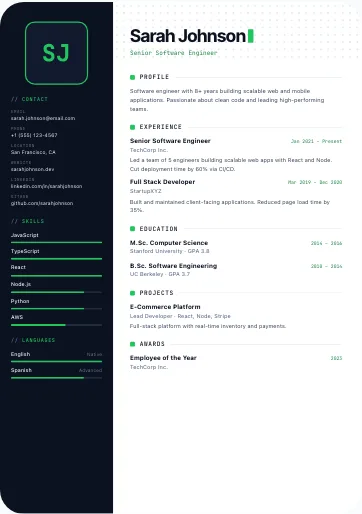
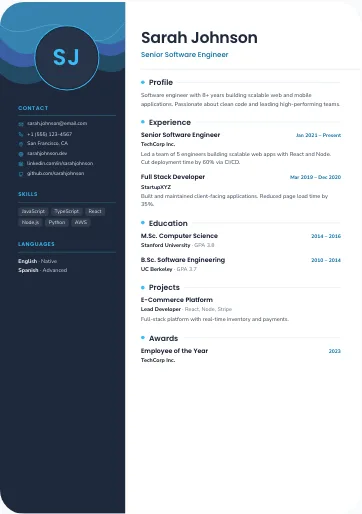
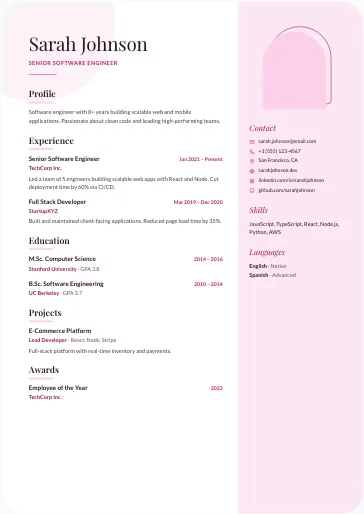
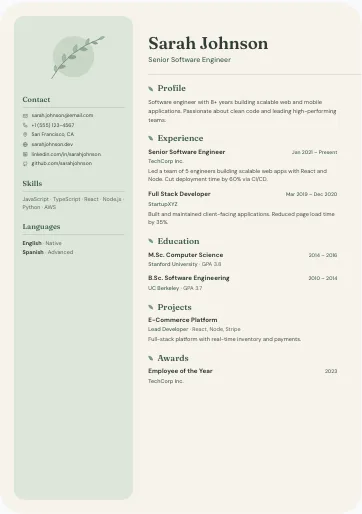
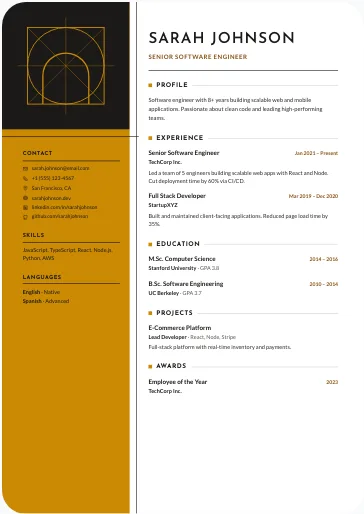
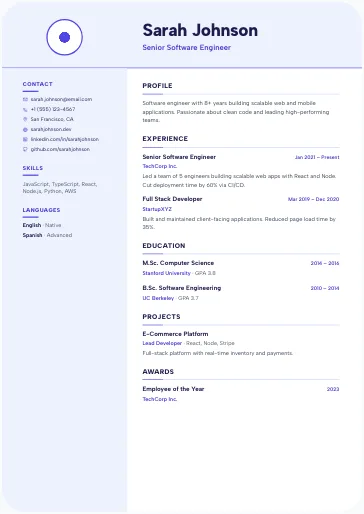
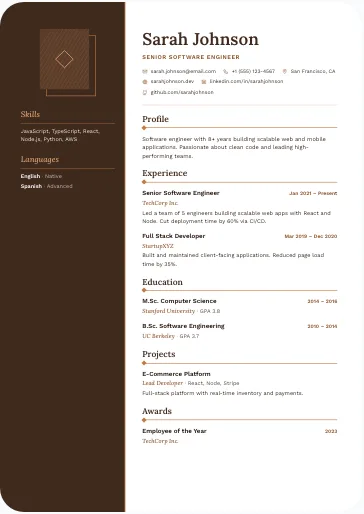
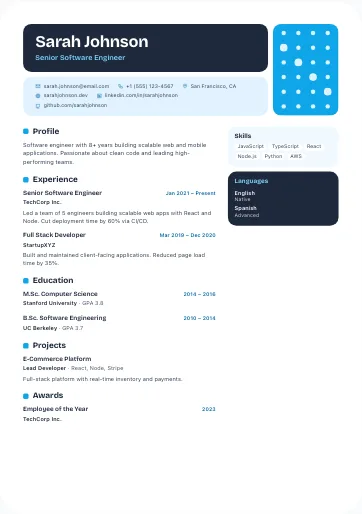
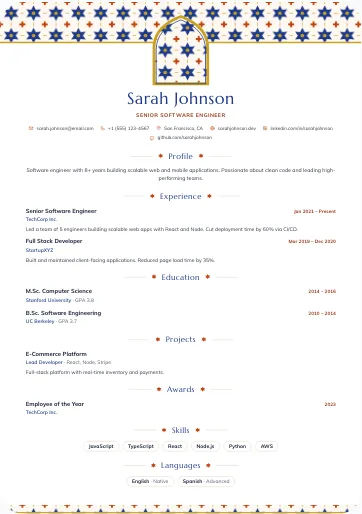
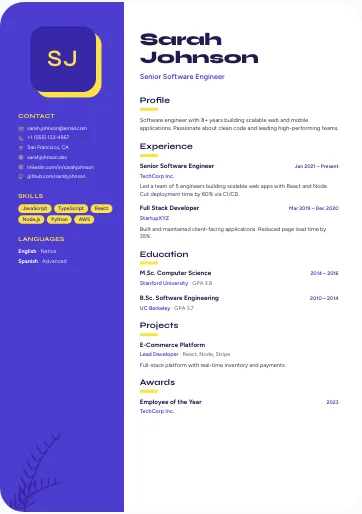
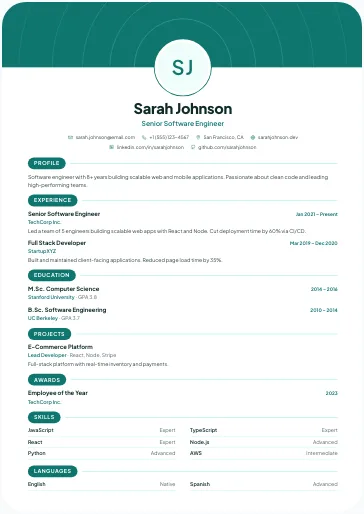
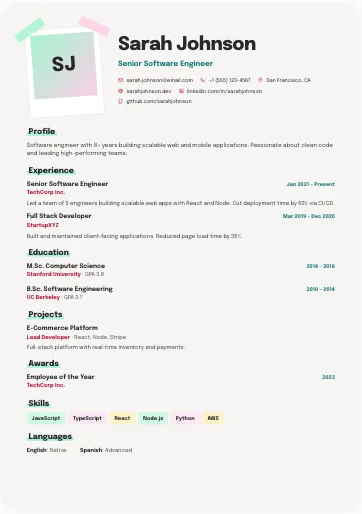
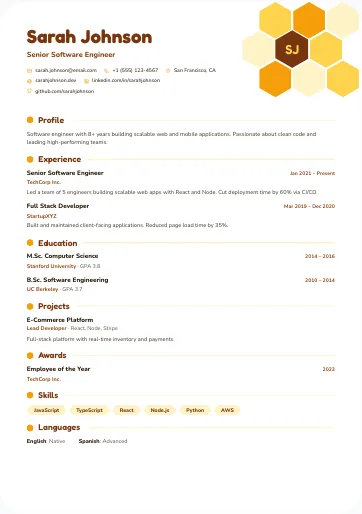
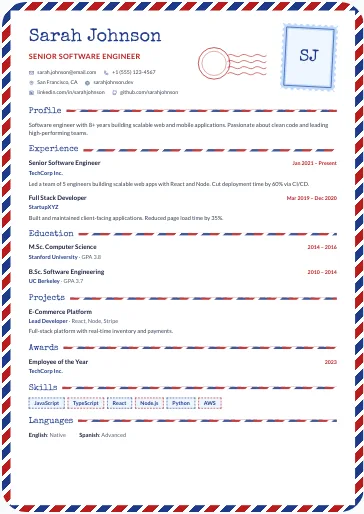
What do these resume templates with a photo have in common?
Every template on this page has a space for your photo, mostly at the top of the page or at the head of a column: a circle, a square, an arch, a hexagon, a postage stamp or a polaroid-style frame, depending on the design. That is the only rule for this page; the layout varies, from one column to a side column, two columns or a grid of blocks. If you add no photo, most show your initials instead, and the others a coloured shape or a small pattern. Compare them with all CV templates.
Many carry the ATS badge on their card: their PDF holds real text in reading order, and they scale the text down to about 70% of its size to fit one A4 page; past that, the end is cut off and the ATS no longer reads it. Templates without the badge keep a fixed text size on their A4 page: whatever runs over is cut, so keep your bullet points short.
Should you put a photo on your CV or resume?
It depends on the country and on the job advert. A photo is common in India, the Gulf, much of Europe and many African countries; if you are looking for a Dubai CV format, for example, a professional photo is usual there. In the US, the UK and Canada, the usual practice is to leave the photo out, so pick one of our CV templates without a photo instead. These are customs, not fixed rules: if the advert asks for a photo, or asks you not to send one, follow the advert.
How do you choose a good CV photo?
- A recent, sharp and well-lit photo, framed from the shoulders up.
- A plain, neutral background and the clothes you would wear at work.
- Face the camera, look at the lens and keep a natural expression.
- No selfies, cropped holiday photos or filters.
Depending on the template, the frame is round, square, arched or another shape, so choose a photo where your face stays centred.
Photos and ATS software: what should you know?
An applicant tracking system (ATS) reads the text of your resume, not your photo, so a picture does not help you pass this screening. For online applications, a single-column resume without a photo is the easiest format for this software to read: see our ATS-friendly resume templates. To fill in each section well, from your profile to your skills, follow our step-by-step guide to writing a CV.
Frequently asked questions
Do you have to put a photo on a resume?
No, it is a custom that varies by country. A photo is common in India, the Gulf and much of Europe, and rare in the US, the UK and Canada. When in doubt, follow what the job advert asks for.
Where should the photo go on a CV?
At the top of the page, next to your name, or at the head of the side column, where recruiters expect it. In these resume templates with a photo, the space is already there: you only add your picture in the CV builder.
What happens if I don't add a photo?
The template still works: most show your initials instead, and the others a coloured shape or a small pattern. If you want no photo space at all, choose a CV template without a photo.
Does a photo stop an ATS from reading my resume?
An ATS reads the text, not the image, so the photo neither helps nor replaces any information. What matters is standard section titles and real text in reading order, as in the templates marked ATS. A single column without a photo remains the simplest format for this software.
Is a CV the same as a resume?
For most job applications, yes: "resume" is the usual word in India, the US, Canada and the Philippines, while the UK, the Gulf and much of Africa say "CV". The photo custom differs more than the word: a photo is common in India and the Gulf, and usually left out in the US, the UK and Canada.
Which language will my CV be in?
You write the content in the language you choose, ideally the language of the job advert. Section titles are printed in English (Profile, Experience, Education…), and the page reads left to right.